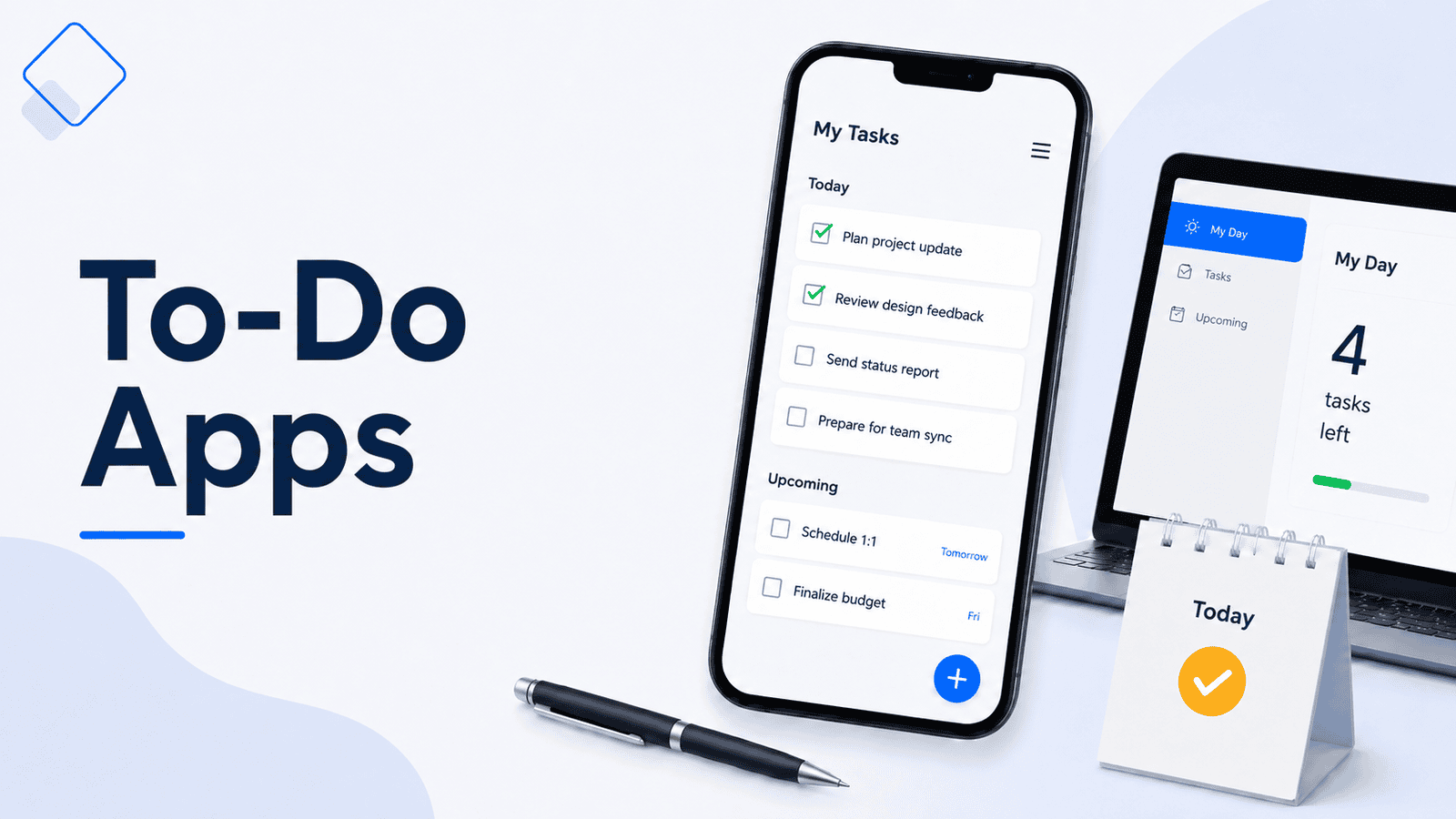
A to-do list app can be as simple as a place to capture tasks or as detailed as a full planning system. Some focus on quick lists and reminders, while others add projects, calendar views, recurring tasks, filters, habits, collaboration, or focus tools.
The best choice depends on how you manage tasks during a normal workday. You might want a lightweight place for reminders, a more structured system for several projects, or an app that works closely with the calendar and tools you already use.
The eight options below cover those different needs without assuming that more features automatically make an app better. A simpler choice can work just as well when it gives you enough structure without creating another system to maintain.
Best To-Do List Apps: Quick Overview
| App | Best for | Plan |
|---|---|---|
| Todoist | Flexible work and personal task management | Free + paid |
| Microsoft To Do | Simple task planning for Microsoft and Outlook users | Free |
| TickTick | Tasks with calendar, habit, and focus tools | Free + paid |
| Google Tasks | Lightweight task management inside Google tools | Free |
| Apple Reminders | Built-in task planning across Apple devices | Included with Apple devices |
| Any.do | Simple daily planning with room to add more features | Free + paid |
| Things | Polished personal task management for Apple users | Paid |
| Trello | Visual task planning through boards and workflow stages | Free + paid |
How We Chose These Apps
We compared these apps based on everyday task-management needs, including task capture, organization, reminders, recurring tasks, platform support, free-plan usefulness, and paid features.
Product details were checked against current official information, including features, platform availability, and plan details.
How to Choose a To-Do List App
The right app should make it easier to see what needs attention without giving you another system to constantly manage.
A few questions can help you narrow down the options:
- How much structure do you need?
If you mainly want a place for tasks and reminders, a simpler app may be enough. If you manage several projects, you may find tags, filters, sections, priorities, or other ways to organize your work more useful. - Do you plan from a list or a calendar?
Some apps are built mainly around task lists, while others make it easier to see tasks alongside scheduled work. If you regularly set aside time for specific tasks, calendar support may matter more than advanced list features. - Which devices and tools do you already use?
Microsoft To Do fits naturally with Outlook, Google Tasks works closely with Google Workspace, and Apple Reminders is convenient across Apple devices. An app that already works with the tools you use can be easier to stick with. - Do you need the app only for yourself?
Managing your own tasks usually requires less complexity than coordinating shared work. If you regularly assign tasks, track team progress, or manage dependencies, a project-management tool may suit you better. - Which features would you actually use?
Recurring tasks, reminders, filters, calendar views, habits, and focus tools can all be useful. But you do not need every feature available. Start with the problems you want the app to solve and choose from there.
A good to-do list app should give you enough structure to stay organized without demanding too much attention of its own.
Todoist
Best for flexible task management that can stay simple or grow with your workload.
Todoist works well if you want more structure than a basic checklist without moving into full project-management software. You can organize tasks into projects and sections, set priorities and recurring tasks, and use Today and Upcoming views to keep current work visible. Its Quick Add feature can also recognize dates and recurring schedules written in natural language.
Pricing: The Beginner plan is free. Todoist Pro currently costs $5 per user per month when billed yearly, or $60 per year.
What stands out
- Quick task capture with natural-language dates
- Flexible projects, sections, priorities, and filters
- Useful Today and Upcoming views
- Apps for Windows, Mac, Linux, iPhone, iPad, Android, and wearables
Worth knowing
The free plan covers straightforward task management well, but calendar layout and task durations require Pro. If you mainly need short lists and reminders, you may not need those extra planning features.
Microsoft To Do
Best for simple task planning if Outlook and Microsoft tools are already part of your workday.
Microsoft To Do keeps task planning fairly straightforward. My Day gives you a fresh daily view for choosing what deserves attention, while lists, reminders, steps, and Outlook integration help you keep the rest of your tasks organized. Flagged Outlook emails can also be brought into To Do as tasks.
Pricing: Free with a personal Microsoft account. Work and school access depends on your organization’s Microsoft 365 setup.
What stands out
- My Day gives you a simple way to plan today’s work
- Works closely with Outlook tasks and flagged emails
- Supports due dates, reminders, steps, and shared lists
- Available on Windows, Mac, iOS, Android, and the web
Worth knowing
Microsoft To Do does not offer the same depth of filters and project organization as Todoist or TickTick. That may be a limitation if your task system becomes detailed, but it can also be an advantage when you mainly want a clean personal task list that stays close to Outlook.
TickTick
Best for combining task management with calendar planning, habits, and focus tools.
TickTick brings more planning tools into one place than a typical checklist app. Along with tasks, recurring schedules, priorities, and tags, you can use calendar views, habit tracking, a Pomodoro timer, and an Eisenhower Matrix. That combination can work well when you would rather not switch between separate task, habit, and focus apps.
Pricing: Free plan available. TickTick Premium currently costs $49.99 per year.
What stands out
- Combines task lists with calendar planning
- Built-in Pomodoro timer and habit tracker
- Flexible recurring tasks and tags
- List, Kanban, calendar, and Eisenhower Matrix views
Worth knowing
TickTick gives you a lot in one app, which is useful if you plan to use those extra tools. If you mainly need a clean task list, the broader feature set may be more than you need. Premium also unlocks fuller calendar views, higher limits, task duration, and other planning features.
Google Tasks
Best for keeping a simple task list inside the Google tools you already use.
Google Tasks makes the most sense if Gmail and Google Calendar already shape much of your workday. You can create tasks from Google Workspace, add details and subtasks, set due dates, receive notifications, and create repeating tasks without moving your basic planning into a separate system.
Pricing: Free with a Google account.
What stands out
- Works closely with Gmail and Google Calendar
- Supports due dates, notifications, subtasks, and repeating tasks
- Accessible from several Google Workspace apps
- Keeps task management intentionally lightweight
Worth knowing
Google Tasks gives you much less organizational depth than Todoist or TickTick. If you want richer project structures, filters, tags, or more planning views, it may feel limited. If you mainly need tasks close to your email and calendar, that simplicity may be exactly what makes it useful.
Apple Reminders
Best for Apple users who want a capable task manager without installing another app.
Apple Reminders has grown well beyond basic alerts. You can organize reminders with lists, tags, priorities, subtasks, and Smart Lists, while time-based and location-based reminders help with tasks that need a specific prompt. Scheduled reminders can also appear inside Apple Calendar alongside your events.
Pricing: Included with Apple devices.
What stands out
- Tags and Smart Lists offer flexible organization
- Supports recurring, time-based, and location-based reminders
- Scheduled reminders can appear in Apple Calendar
- Shared lists let you assign reminders to other people
Worth knowing
Apple Reminders makes the most sense when your devices are already part of the Apple ecosystem. If you regularly move between Apple, Windows, and Android devices, a cross-platform option such as Todoist or Microsoft To Do may be easier to manage.
Any.do
Best for simple daily planning with a stronger focus on what you want to accomplish today.
Any.do is built around an approachable task system, but its Daily Planner is the main reason it stands apart. The free Personal plan includes tasks, lists, reminders, calendar access, daily planning, and device syncing, giving you a straightforward way to pull together what needs attention today.
Pricing: Free plan available. Any.do currently lists Premium at $4.99 per month when billed annually.
What stands out
- Daily Planner keeps today’s tasks in focus
- Calendar and tasks can sit in the same planning flow
- The free plan covers core personal task management
- Premium adds recurring tasks, location reminders, color tags, and additional productivity features
Worth knowing
Any.do is strongest when daily planning matters more to you than building a highly detailed task structure. If you want deeper filters, more flexible project organization, or several ways to view and sort work, Todoist or TickTick gives you more room to customize.
Things
Best for Apple users who want a polished personal task manager with more structure than a basic reminders app.
Things uses a clean system of Inbox, Today, Upcoming, projects, areas, and tags to separate what needs attention now from work you are keeping for later. It also supports repeating tasks, reminders, deadlines, and calendar events without filling the interface with too many controls.
Pricing: Things uses one-time purchases rather than a subscription. The Mac, iPhone, iPad, and Vision Pro versions are sold separately, while the Apple Watch app is included with the iPhone version. App Store pricing varies by location.
What stands out
- Today and Upcoming views keep current work easy to scan
- Projects, areas, headings, and tags provide flexible organization
- Calendar events can appear alongside tasks
- Things Cloud sync is included at no extra charge
Worth knowing
Things is designed for personal task management rather than shared work. It does not support real-time collaboration on to-dos or lists, and there are no Windows or Android versions.
Trello
Best for visual task planning when you prefer moving work through stages instead of managing a traditional list.
Trello is different from the other apps here because boards, lists, and cards sit at the center of the experience. A simple workflow might move cards through To Do, In Progress, and Done, while each card can hold the details needed to move the work forward.
Pricing: Free plan available. Trello Standard currently starts at $5 per user per month when billed annually.
What stands out
- Boards make the progress of tasks easy to see
- Lists can represent stages, categories, or different parts of a workflow
- Cards can hold due dates, assignees, and other task details
- Automation and Power-Ups can extend the workflow as your needs grow
Worth knowing
Trello makes more sense when your work moves through a visible process. If you mainly need quick reminders and a daily checklist, a traditional task app will usually feel more direct. The free plan includes unlimited cards and up to 10 boards per Workspace, while paid plans open up more boards and additional workflow features.
Free vs Paid To-Do List Apps
Free plans can work very well for basic task management. If you mainly need lists, due dates, reminders, and straightforward organization, you may already have everything you need.
Paid plans become more useful when your workflow needs more structure. Depending on the app, that might mean stronger calendar planning, advanced filters, more flexible recurring tasks, additional project organization, automation, location reminders, or other tools that make larger workloads easier to manage.
The better choice depends on how you actually use the app. A free plan can suit a simple system, while a paid plan can be worth it when the added features make planning easier, save time, or replace other tools you would otherwise need.
When a To-Do List App Is Not the Right Tool
A to-do list app works best when your main problem is keeping track of tasks and deciding what needs attention. It is not always the right tool for every kind of work.
| If you mainly need… | A better fit may be… |
|---|---|
| A place to capture tasks, reminders, and due dates | A to-do list app |
| Tasks placed into specific working hours | Time-blocking software |
| Shared projects, dependencies, and progress tracking | Project-management software |
| Work moving through clear stages | A visual board such as Trello |
| Only a few simple reminders | A built-in option such as Google Tasks or Apple Reminders |
If your task list keeps growing because the work itself is difficult to schedule, coordinate, or move through a process, changing apps may not solve the underlying problem. A tool designed for that kind of work can make more sense than adding more features to your task list.
A Simple Way to Start Using Your App
Once you choose an app, keep the setup simple at first. Add the tasks you actually need to track, create only the lists or projects that have a clear purpose, and use reminders or recurring tasks where they genuinely help.
Give the system a few days before adding more filters, tags, views, or automations. You will have a better sense of what you need after using it through a normal workweek.
The app can organize your tasks, but the list itself still needs to stay clear and realistic. The same principles behind making a to-do list that actually works still matter no matter which app you choose.
Frequently Asked Questions
What is the best to-do list app?
Todoist is one of the strongest all-around options if you want a task manager that can stay simple but gives you more organization when you need it. TickTick offers more built-in planning tools, while Microsoft To Do, Google Tasks, and Apple Reminders are worth considering when you prefer something lighter or already use their wider ecosystem.
What is the best free to-do list app?
Microsoft To Do is a strong free choice if you want lists, reminders, daily planning, and cross-device syncing, especially if you use Outlook. Apple Reminders is another capable option for Apple users, while Google Tasks works well if most of your day already runs through Gmail and Google Calendar.
Is Microsoft To Do better than Todoist?
Microsoft To Do may suit you better if you want a free, straightforward task manager that works closely with Outlook. Todoist gives you more ways to organize projects, filter tasks, and build a detailed system, so it is usually the stronger option when you need more structure.
Is TickTick better than Todoist?
TickTick may suit you better if you want calendar planning, habit tracking, focus tools, and task management in one app. Todoist puts more of its attention on task organization and offers a cleaner path from a simple list to a more structured system. The choice comes down to whether you value broader built-in productivity tools or a more focused task manager