Remote work can become difficult when every message seems to need an immediate reply. Constant interruptions break up focused work, while different schedules and time zones make real-time communication impractical for every update.
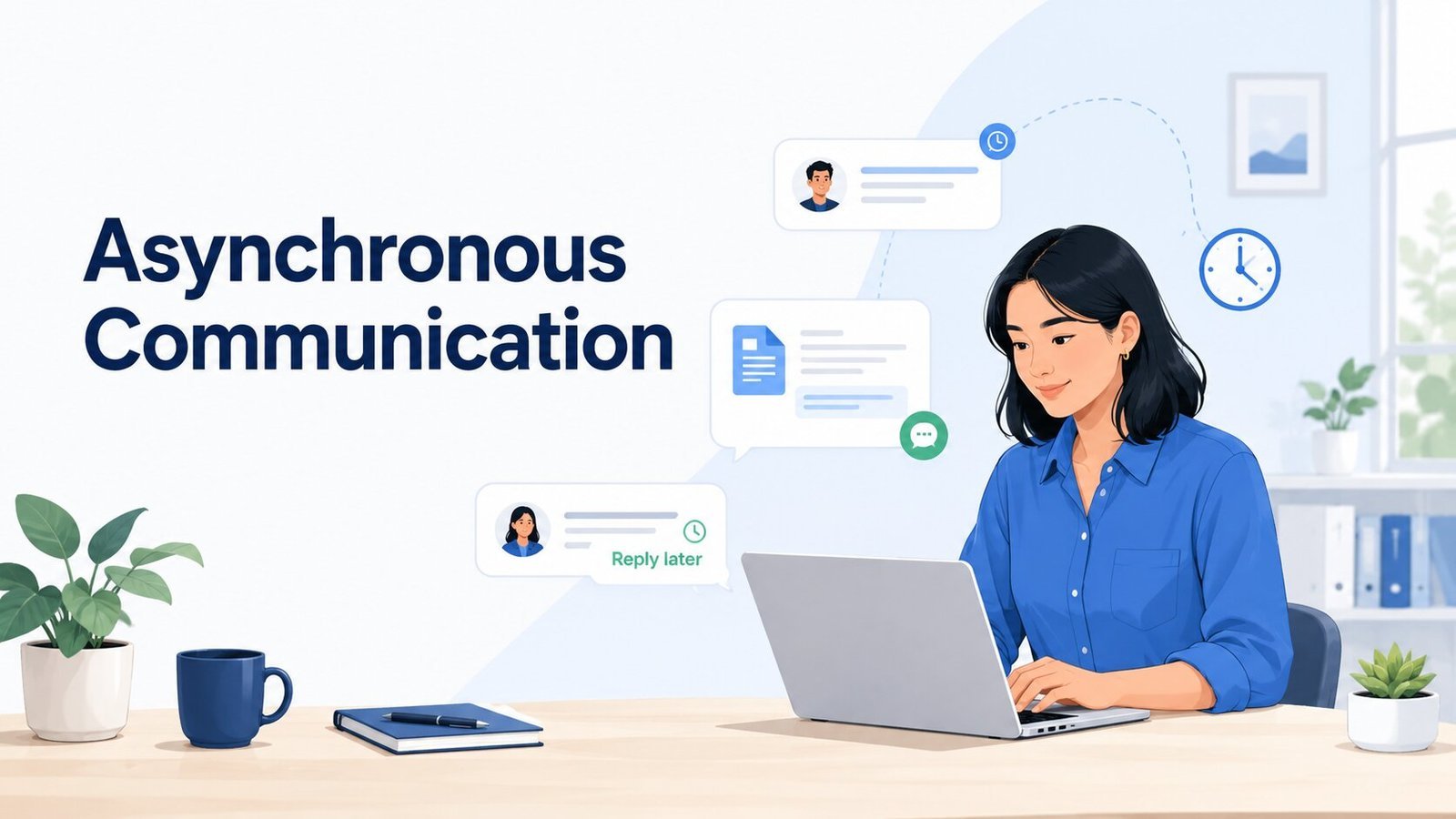
Asynchronous communication gives people another way to keep work moving. Instead of requiring everyone to be available together, it creates space to share updates, review work, and respond when the timing makes sense.
Quick Overview
- Asynchronous communication lets people share information and respond at different times instead of being available together.
- Common examples include email, document comments, project updates, recorded videos, and written handoffs.
- It can protect focus time, reduce unnecessary meetings, support different schedules, and leave a useful written record.
- It works best when messages include enough context, response expectations are clear, and important decisions are easy to find later.
What Is Asynchronous Communication?
Asynchronous communication is communication that does not require the sender and receiver to be available at the same time.
You might send an email in the morning and receive a reply later that afternoon. A designer can leave feedback in a shared file for someone to review the next day. A teammate finishing work in one time zone can leave a project handoff for another person whose day is just beginning.
The tool itself does not decide whether communication is asynchronous.
Slack, Microsoft Teams, and similar platforms can work asynchronously when a message can wait for a later response. The same tools become much closer to real-time communication when everyone is expected to answer within minutes.
The difference comes from the response expectation, not simply the app being used.
Common Examples of Asynchronous Communication at Work
Most workplaces already use async communication in some form.
| Example | How it works asynchronously |
|---|---|
| Someone sends information or a question that can be reviewed later. | |
| Team messages | A non-urgent Slack or Teams message waits until the recipient is available. |
| Project comments | Updates, questions, and decisions stay attached to a task or project. |
| Shared document feedback | Reviewers add comments or suggestions without meeting at the same time. |
| Recorded video updates | Someone records a walkthrough that teammates can watch later. |
| Knowledge-base pages | Processes and answers are documented so people can find them without asking someone live. |
| Meeting recaps | Decisions and next steps are written down after a live conversation. |
| Task handoffs | One person leaves enough context for another person to continue the work later. |
| Daily or weekly updates | Progress, blockers, and next steps are shared without requiring a status meeting. |
The recipient should be able to understand what happened and what they need to do without waiting for the sender to become available again.
The right asynchronous communication tools can make these exchanges easier to organize, but the habits around those tools matter just as much.
Benefits of Asynchronous Communication
Async communication is especially useful when work needs focus, people work different schedules, or information should remain easy to find later.
It protects uninterrupted work
Every message does not need an immediate response.
When routine questions and updates can wait, people have more freedom to finish concentrated work before switching back to communication.
That does not mean ignoring messages all day. It means checking and responding at sensible points instead of allowing every notification to decide what you work on next.
It can reduce unnecessary meetings
A meeting is useful when people genuinely need discussion, clarification, or interaction.
A routine update often does not.
Progress reports, simple reviews, project recaps, and straightforward decision requests can frequently be handled in writing. That can help reduce meeting overload without leaving people uninformed.
It works across different schedules and time zones
Async communication allows work to continue even when people are not online together.
A teammate can finish their part of a project, document what changed, and leave clear next steps. Someone else can pick up the work later without needing a handoff meeting simply to understand what happened.
This is especially valuable for distributed teams, but it can also help people working flexible schedules in the same location.
It gives people time to think
An immediate answer is not always a better answer.
Some questions require someone to review a document, check data, compare options, or think through the consequences before responding.
Async communication gives people room to do that instead of rewarding whoever answers fastest.
It leaves useful context behind
A live conversation can solve something quickly, but the details can disappear just as quickly if nobody records the outcome.
Well-organized async communication leaves a record of updates, feedback, decisions, owners, and next steps.
That record becomes more valuable as projects get longer or more people become involved.
Write Async Messages That Can Stand on Their Own
The person reading an async message may not be able to ask you an immediate follow-up question.
That makes context especially important.
Compare:
Can you check the report?
with:
Can you review the summary and recommendations in the report by Thursday afternoon? I mainly want to confirm that the recommendations match the findings. Please leave comments directly in the document.
The second message makes four things clear:
- Context: what the request is about
- Action: what the other person needs to do
- Timing: when a response is needed
- Location: where the feedback or completed work should go
You do not need to make every message long. Include enough information for someone to act without immediately asking you to explain what you meant.
Make status updates useful to someone else
An async update should help other people understand the state of the work, not simply announce that you are busy.
Compare:
Working on the landing page today.
with:
The landing-page copy is drafted, and I’m reviewing the CTA section this afternoon. Design can start once that is finished. I expect to hand over the final copy by 4 PM.
The second version helps someone else plan.
A useful project update may include:
- what changed;
- what is happening next;
- whether anything is blocked;
- whether someone needs to act; and
- when the next meaningful update is expected.
You do not need all five in every message. Include the information that affects someone else’s work.
These habits also support clearer remote communication skills more broadly, but they become especially important when the sender and recipient are not working at the same time.
A few practical examples
Feedback request
Can you review the first two sections by Wednesday afternoon? Please focus on whether the explanation is easy to follow rather than correcting small wording issues. Leave comments directly in the document.
Blocker update
I can’t finish the pricing section until we confirm the new rates. If I receive them by noon tomorrow, the current deadline still works. Otherwise, we may need to move the review to Friday.
Project update
The first draft is complete and ready in the project folder. I still need to check the final two examples, which I’ll finish tomorrow morning. No action is needed from anyone else yet.
Each example gives the recipient enough information to understand the situation without needing an immediate conversation.
Set Response Expectations and Make Urgency Clear
One of the easiest ways to undermine async communication is to send messages asynchronously while still expecting synchronous replies.
If nobody knows whether a normal message should be answered in ten minutes, two hours, or tomorrow, people may keep checking just in case.
Teams do not need complicated response-time rules. They do need enough consistency to know what normal looks like.
For example:
- Routine project messages may be answered by the end of the working day.
- Document feedback may have a specific review deadline.
- A non-urgent request may be due the following day.
- A genuine blocker may use a separate urgent channel or escalation method.
The exact timing will vary between workplaces. The important distinction is that normal communication and urgent communication should not look the same.
Do not make people guess when something is urgent either.
Compare:
Can you send me the numbers?
with:
I need the final numbers before the client call at 3 PM. Can you send them by 2 PM? If that timing isn’t possible, let me know this morning so I can adjust the presentation.
You can also make a lack of urgency explicit:
No rush today. When you have time tomorrow, can you confirm whether the new section should be included in this release?
Clear expectations reduce the pressure created by vague messages.
This is also part of good Slack etiquette. A direct message should not automatically mean “stop what you’re doing and answer me now.”
Keep Important Decisions Somewhere People Can Find Them
A conversation and a decision are not the same thing.
A team might discuss a problem in Slack, compare options in a document, and make the final decision during a call. That can work well.
The problem starts when nobody records the outcome.
Someone joining the project two weeks later should not have to search through several message threads to work out which option was finally chosen.
For an important decision, record:
- what was decided;
- who owns the next step;
- when the decision was made;
- why it was made, if that context may matter later; and
- where any supporting information lives.
The record does not have to be formal.
Decision: We will launch with Option B.
Reason: It can be completed within the current timeline without delaying testing.
Owner: Maya will update the final version by Thursday.
GitLab provides a useful real-world example. Its communication handbook describes asynchronous communication as a starting point for its all-remote workforce and emphasizes writing down conclusions from offline conversations so the outcome remains available afterward.
Your team does not need GitLab’s documentation system. The practical idea is much simpler: information people will need again should not live only in someone’s memory or an old conversation.
Make Task Handoffs Easy to Continue
A handoff is one of the clearest tests of whether async communication is working.
Imagine finishing your work while the person taking over starts several hours later.
A weak handoff might say:
I finished my part. The rest is in the folder.
The next person now has to work out what changed, which file is current, what remains unfinished, and whether anything is blocked.
A stronger handoff could say:
I finished the first draft and added the latest figures to sections 1–3. The remaining step is to verify the numbers in section 4 against Friday’s spreadsheet. The working file is in the client project folder under “Report V2.” Nothing is currently blocked.
A useful handoff usually answers five questions:
- What has been completed?
- What still needs to happen?
- Where is the work?
- Is anything blocked or uncertain?
- Who owns the next step?
This matters even when everyone works in the same time zone. A complete handoff reduces the need for another meeting or message just to reconstruct the state of the work.
Give Different Types of Communication a Predictable Home
Async communication becomes difficult when information is technically documented but nobody knows where to look.
A decision might be in email. The related task is in a project tool. A clarification is buried in Slack. The newest file is in shared storage, while another version is attached to a message.
Each tool may be working correctly on its own while the overall system is still confusing.
It helps to give recurring information a default home.
| Information | Possible home |
|---|---|
| Quick team updates | Team messaging |
| Tasks and deadlines | Project management tool |
| Document feedback | Comments inside the document |
| Processes and reusable information | Knowledge base or shared workspace |
| Final project decisions | Project record, task, or decision log |
| Creative feedback | Relevant design or review tool |
Your setup does not need to match this table exactly.
It needs to be predictable enough that someone can answer a simple question:
Where would I look for this?
A tool should have a clear job. If several apps are doing nearly the same thing, adding more software can make asynchronous work less clear rather than more flexible.
Where Asynchronous Communication Can Break Down
Async communication has tradeoffs. Knowing them makes it easier to recognize when the system needs adjusting.
| Problem | What may help |
|---|---|
| A reply takes too long and blocks work | Include a deadline or use an agreed escalation route when timing genuinely matters. |
| A message becomes too long to follow | Put the main point first and link to detailed background separately. |
| Tone is being misunderstood | Add context or move the conversation live when written messages are making things worse. |
| Decisions are scattered across tools | Record the final outcome in one predictable place. |
| People still monitor messages constantly | Clarify response expectations and separate normal communication from genuine urgency. |
| Written communication feels isolating | Keep room for useful live conversation and informal team interaction. |
Async is not successful simply because replies happen later. It should make work easier to continue without creating more waiting, guessing, or searching.
Know When to Move the Conversation Live
Some situations are easier to resolve in real time.
Consider switching to a call or live conversation when:
- the issue is genuinely urgent;
- several rounds of messages are creating more confusion;
- tone or emotion is important;
- conflict needs careful discussion;
- people need fast back-and-forth to unblock work; or
- continuing in writing will clearly take longer than talking.
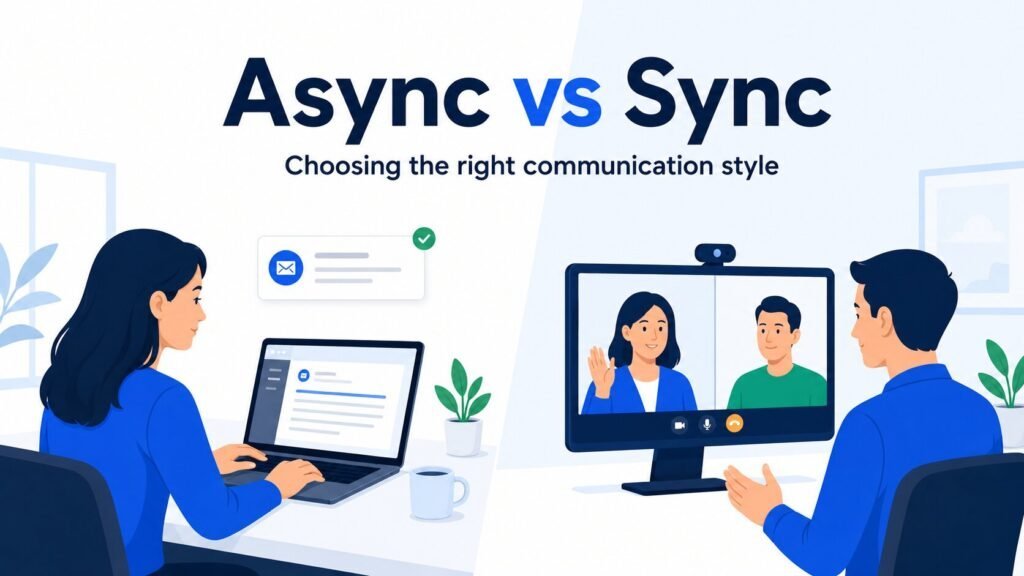
That is enough of the async-vs-sync decision for this article. The deeper asynchronous vs synchronous communication comparison covers which format fits different workplace situations.
If an important decision is made live, bring the result back into the async system afterward. Record what was decided, who owns the next step, and anything teammates will need to understand later.
NEXT STEPS
Improve One Async Habit at a Time
Start with the communication problem that creates the most friction. Choose one small change your team can apply consistently before changing anything else.
- Replace one routine meeting with a structured written update.
- Set a normal response window for non-urgent messages.
- Choose one place for recording final project decisions.
- Agree on the information every task handoff should include.
- Remove or clarify any communication channel people rarely know how to use.
Frequently Asked Questions
What is asynchronous communication in simple terms?
Asynchronous communication means people communicate at different times instead of needing to be available together. Email, document comments, project updates, and recorded messages are common examples.
What are examples of asynchronous communication?
Examples include email, non-urgent team messages, project-management comments, shared-document feedback, recorded video updates, knowledge-base pages, meeting recaps, and task handoffs.
What are the benefits of asynchronous communication?
Async communication can reduce interruptions, support different schedules and time zones, give people more time to think, reduce unnecessary meetings, and create a useful written record.
How quickly should you respond to asynchronous messages?
There is no single response time that works for every workplace. Teams should set reasonable expectations for routine communication and have a separate way to handle genuinely urgent issues.
Is Slack asynchronous communication?
Slack can support both asynchronous and real-time communication. It works asynchronously when messages can wait for a later response rather than creating an expectation that everyone should answer immediately.
What makes asynchronous communication effective?
Effective async communication provides enough context to act, makes timing clear, documents important decisions, keeps information in predictable places, and leaves complete handoffs when work moves between people.