
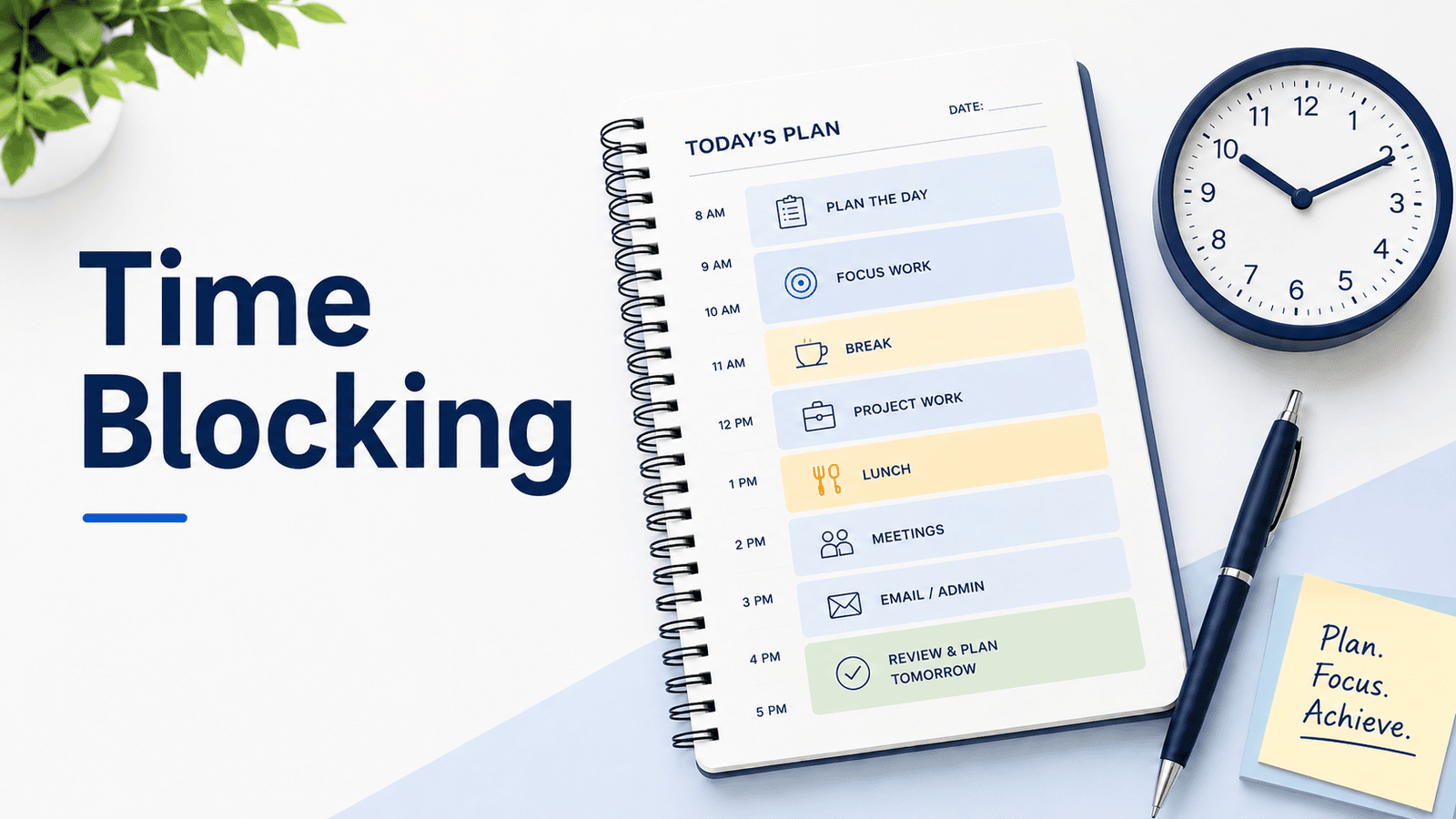
Time blocking can make a workday look neatly organized. But a calendar full of carefully arranged tasks isn’t much use if the time isn’t genuinely available.
Some hours are already spoken for, even when they look empty. Others are broken into gaps too short for the work you’ve assigned to them.
A realistic time-blocked day starts by acknowledging those limits rather than trying to fit every task into whatever space is left.
What Is Time Blocking?
Time blocking is a way of planning your day by reserving specific periods for particular tasks or types of work.
Instead of keeping “draft project proposal” on your task list and hoping you’ll have time for it, you might reserve 9:30 to 10:45 AM to work on the first draft.
That calendar block gives the work a defined place alongside your meetings and other responsibilities.
You can use time blocking for writing reports, preparing for meetings, reviewing documents, or other work that benefits from dedicated attention.
It works alongside a to-do list, which helps you keep track of what needs doing. You don’t have to schedule every small task separately.
Time blocking also differs from time boxing. With time boxing, you set a limit on how long you’ll spend on an activity. With time blocking, you’re deciding when to give that activity time. The two approaches can be used together, but they serve different purposes.
A 2023 Microsoft Research study examined software that automatically protected time on workers’ calendars. In a randomized intervention involving 89 workers, those whose calendars received protected time reported improvements in their performance and how immersed they felt in their work.
The research concerned computer-assisted scheduling, not ordinary manual time blocking, so its findings shouldn’t be treated as proof that every time-blocking routine produces those results.
How to Time Block Your Workday
Before adding tasks to your calendar, find out how much of the day is already committed.
A few apparently empty hours can disappear once you account for meetings, routine responsibilities, breaks, and the delays your work normally involves.
Start With the Hours You Actually Control
Look at your existing calendar first.
Some commitments already have a fixed place: meetings, appointments, scheduled calls, and breaks.
Others may not appear on the calendar at all. Perhaps you review your inbox each morning, approve requests for your team, or prepare a recurring afternoon update.
Those responsibilities still need time.
Short gaps also deserve some thought. A 20-minute opening between meetings might be useful for routine messages but not for work that takes time to settle into.
Consider a calendar running from 9 AM to 5 PM. That’s an eight-hour span, including lunch and breaks, rather than eight uninterrupted working hours.
| Calendar allocation | Time |
|---|---|
| Total scheduled day | 8 hours |
| Scheduled meetings | 2 hours |
| Lunch and normal breaks | 1 hour |
| Recurring administrative work | 45 minutes |
| Time left open for delays or unexpected work | 45 minutes |
| Available for selected tasks | 3 hours 30 minutes |
Only three and a half hours remain for work you haven’t already accounted for.
If your task list contains five hours of additional work, you’ll need to reconsider what can realistically be completed that day. You might change the amount of work planned, clarify a deadline, or agree on a different allocation of responsibilities.
Choose the Work That Needs Calendar Space
Not every task deserves a separate appointment with yourself.
Quick reminders and small, flexible activities may be easier to handle together during an administrative period. Scheduling each one individually can make your calendar unnecessarily complicated.
Instead, reserve time for work that’s likely to be pushed aside without it.
Maybe you’ve been trying to finish a proposal for several days, but meetings and smaller requests keep breaking up the time you have. A protected morning block gives you a more reliable opportunity to work on it.
Deadlines matter too. If a report is due Thursday, account for the drafting, review, and approval that need to happen before then.
If several responsibilities are competing for the same time, decide which work deserves priority before assigning calendar blocks.
Once you’ve chosen the work, you can decide where it fits.
Estimate the Time Before Scheduling It
The way you describe a task affects how well you can estimate it.
“Work on website” could mean checking a few pages, rewriting an article, or solving a technical problem that takes half the afternoon.
“Review the three updated pages and record any issues” is easier to estimate.
You don’t need to break a project into dozens of tiny actions. Just be clear about the part you intend to complete during the block.
Past experience is useful, particularly when your first estimate feels optimistic.
Research on the planning fallacy describes how people often underestimate task completion times, partly because they focus on how they expect the current plan to unfold rather than giving enough weight to relevant past experience.
For unfamiliar work, allow some uncertainty. A first estimate is a starting point, not a promise.
Give Different Blocks Different Levels of Flexibility
A scheduled client meeting is different from an hour you’ve reserved to draft a report. Both may be important, but they don’t offer the same room for adjustment.
It helps to distinguish four kinds of calendar space:
- Fixed time: Meetings, appointments, and commitments that need to happen at a particular time.
- Protected time: Work you want to give a reliable period of attention.
- Flexible time: Tasks you intend to handle but can move when circumstances change.
- Buffer time: Space deliberately left unassigned for overruns, transitions, and unexpected work.
You don’t need a separate system or color for each category.
For example, a project review might be protected, routine follow-ups could sit in a flexible afternoon block, and an open half hour before a meeting could absorb a delay.
Before finalizing your calendar, check whether the blocks are long enough for the work you’ve assigned and whether you’ve left reasonable room for the interruptions your job normally involves.
A Realistic Time Blocking Schedule
Here’s how the eight-hour calendar span from the earlier calculation might look once you’ve assigned the three and a half available hours.
Suppose you’re coordinating several projects. You need to draft part of a proposal, prepare budget notes, and review a client document. You also have two meetings, administrative responsibilities, and a few flexible follow-ups.
| Time | Planned activity |
|---|---|
| 9:00–9:30 AM | Email and recurring admin |
| 9:30–10:45 AM | Protected: Draft proposal section |
| 10:45–11:00 AM | Break |
| 11:00 AM–12:00 PM | Fixed: Team meeting |
| 12:00–12:45 PM | Protected: Prepare budget notes |
| 12:45–1:30 PM | Lunch |
| 1:30–2:30 PM | Protected: Review client document |
| 2:30–3:00 PM | Buffer: Open time |
| 3:00–4:00 PM | Fixed: Project meeting |
| 4:00–4:30 PM | Flexible: Follow-ups |
| 4:30–4:45 PM | Recurring admin |
| 4:45–5:00 PM | Buffer: Open time |
The schedule includes three hours of protected work and 30 minutes of flexible follow-ups. That matches the available time calculated earlier.
The proposal gets a continuous morning period, when there are no meetings breaking up the work. The shorter budget task fits before lunch, while the client review has an afternoon block with some open time afterward.
Those placements are deliberate, but they’re still estimates. What happens when the afternoon changes?
What to Do When Your Time Blocks Get Interrupted
At 1:30 PM, just as you’re about to review the client document, an unexpected customer call arrives. You need to attend, and it lasts 40 minutes.
By the time you return, it’s 2:10 PM. Your original one-hour block has only 20 minutes left.
You could move the review into the 2:30–3:00 PM buffer and recover another 30 minutes. That gives you 50 minutes before the fixed 3 PM meeting.
The remaining ten minutes can come from the flexible follow-up period, provided those follow-ups can move.
Here’s how the afternoon changes:
| Time | Adjusted activity |
|---|---|
| 1:30–2:10 PM | Unexpected customer call |
| 2:10–3:00 PM | Client review, including original buffer |
| 3:00–4:00 PM | Fixed project meeting |
| 4:00–4:10 PM | Finish client review |
| 4:10–4:30 PM | Flexible follow-ups |
| 4:30–4:45 PM | Recurring admin |
| 4:45–5:00 PM | Remaining buffer |
The client review still receives its planned hour, assuming it’s work you can reasonably pause and resume.
The trade-off is that the follow-up block now has only 20 minutes. If those tasks still need the full half hour, you’ll have to move the unfinished, non-urgent work to another available period. Anything with a firm deadline needs to be considered separately.
What if the interruption is too long?
Suppose the customer call lasts until 3 PM instead.
You go straight into the fixed project meeting, leaving the client document untouched.
After that meeting, your flexible follow-up block offers 30 minutes, and the final buffer offers another 15.
That’s only 45 minutes for a review that needs an hour, even if every follow-up moves. The recurring administrative work also separates those two periods.
Now the original schedule cannot accommodate everything.
If the review can wait until tomorrow, you might move it to a suitable block then, provided the timing works for anyone expecting the document.
If it’s needed today, something else must change. Perhaps part of the work can be reassigned, an existing commitment can move, or the deadline can be renegotiated.
You also need to consider whether the task can be completed in shorter periods. If the review requires an uninterrupted hour, even 45 minutes spread across two openings may be unsuitable.
Sometimes the calendar shows you a conflict that rearranging tasks won’t resolve. If the work still won’t fit, discuss what needs to change with the person expecting it.
Use Actual Time to Improve Future Blocks
Your first estimates won’t always match what happens.
A proposal draft may take longer than expected. A document review might finish earlier.
Rather than rebuilding your schedule after every difference, pay attention to patterns in the work you repeat.
Suppose you regularly reserve 45 minutes for a weekly report. After several weeks, you notice it usually takes around 70 minutes.
Next time, allow closer to 75 minutes. That may mean finding another half hour in your calendar or planning less work elsewhere.
A recurring underestimate can also point to something you’re overlooking. Perhaps the report includes a data check you rarely account for, or you’re regularly waiting for information before you can finish.
Adding time may help, but it’s worth understanding where that time is going.
You don’t need to track every minute or keep a detailed spreadsheet. Notice which blocks consistently run over, and let that experience inform future estimates.
If you regularly finish a task early, you can adjust in the other direction.
Over time, your calendar should reflect how long the work usually takes, rather than how quickly you hope to finish it.
When Full-Day Time Blocking Is Too Rigid
Some jobs don’t offer long, predictable stretches of independent work.
If you handle support requests, respond to operational problems, manage changing appointments, or spend much of the day helping other people, a detailed schedule may require constant adjustment.
Your work may genuinely require you to remain available.
In that situation, try protecting one period instead of planning the entire day.
You might reserve 45 minutes each morning for a report that otherwise gets postponed, while leaving the remaining time available for requests and regular responsibilities.
Broader blocks can also work. Rather than assigning individual tasks between 1 and 3 PM, you might reserve that period for project work and decide which task fits when you reach it.
If colleagues regularly schedule over your protected time, it may help to agree on when you’re available and when you need uninterrupted work time. Marking yourself busy on a calendar won’t necessarily prevent meetings or urgent requests.
An ordinary paper or digital calendar is enough to start. Dedicated time blocking software and apps may help with recurring blocks, task integrations, or rescheduling, but the method doesn’t depend on a particular tool.
Start with one piece of work that genuinely needs a place on your calendar. If you can protect that time and still handle the responsibilities around it, you have a workable starting point.