Choosing between asynchronous vs synchronous communication can be surprisingly easy to get wrong. A routine update turns into a half-hour meeting, while a complicated issue sits in a message thread that takes all afternoon to untangle.
The friction usually comes from using a format that does not fit the work. When the communication style matches the situation, people can get the context they need without unnecessary meetings, constant interruptions, or endless back-and-forth.
The choice becomes much easier when you stop starting with the tool and start with the conversation in front of you.
Quick Overview
- Asynchronous communication does not require people to respond at the same time.
- Synchronous communication happens in real time, such as during calls, meetings, or live conversations.
- Neither approach is always better; the right choice depends on the situation.
- Some work is easiest when teams move between async and sync instead of choosing only one.
Asynchronous vs Synchronous Communication: What’s the Difference?
The difference comes down to when people are expected to take part.
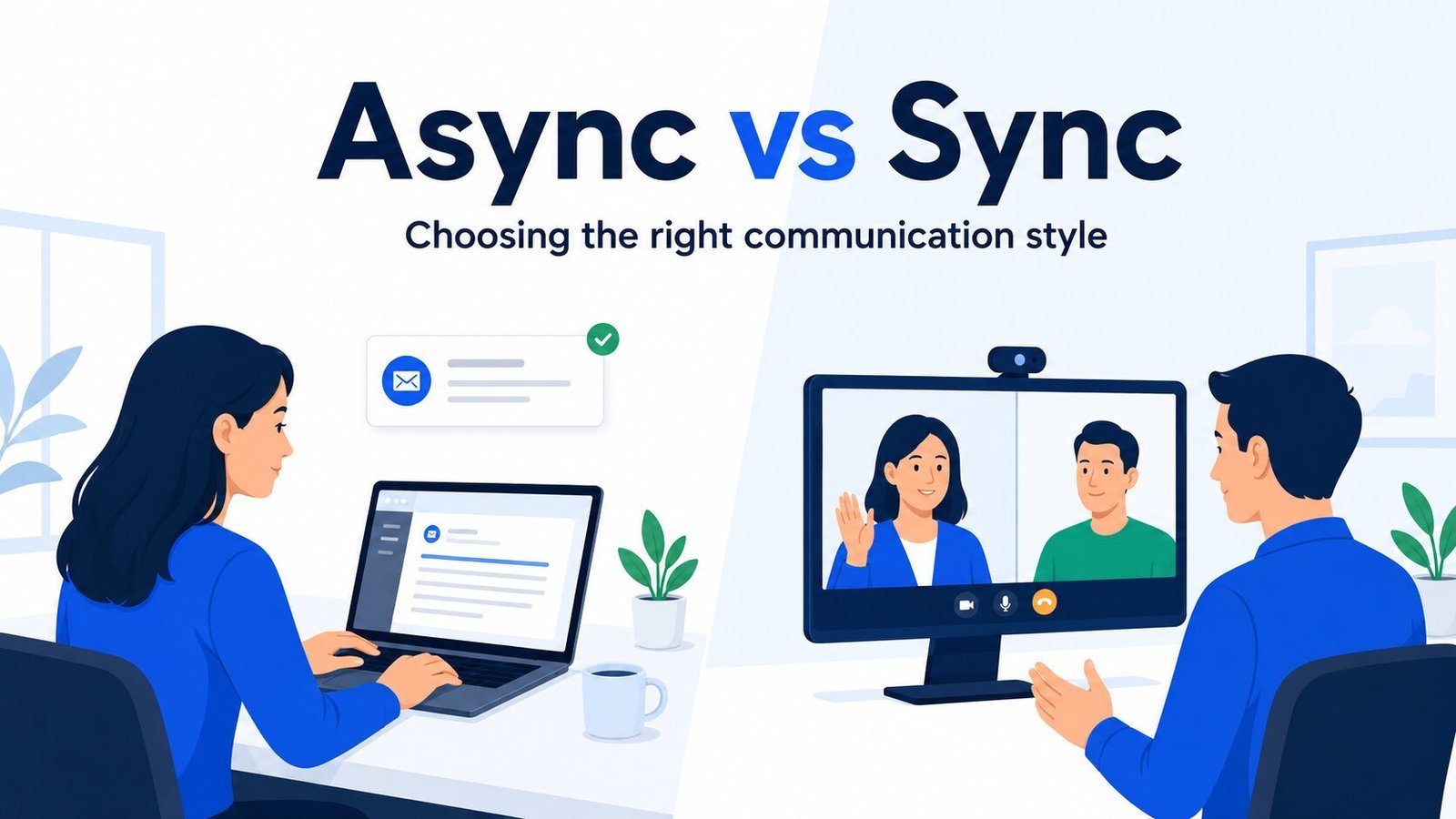
With asynchronous communication, someone can send an update, question, or piece of work without expecting everyone else to respond immediately. Email, task comments, shared documents, and recorded updates often work this way.
With synchronous communication, people are present at the same time. A phone call, video meeting, or live conversation allows questions, reactions, and clarification to happen as the discussion unfolds.
Here is the practical difference:
| Factor | Asynchronous communication | Synchronous communication |
|---|---|---|
| Timing | People participate at different times | People participate at the same time |
| Response | Usually delayed or flexible | Usually immediate |
| Common examples | Email, document comments, task updates | Calls, meetings, live conversations |
| Thinking time | Usually more | Usually less |
| Scheduling | Does not require shared availability | Requires people to be available together |
| Record | Often already written down | May need a written recap afterward |
One important detail is that the tool itself does not always determine the communication style.
Slack, for example, can be asynchronous when you leave a message for someone to answer later. The same channel becomes effectively synchronous when several people are replying back and forth in real time.
So the difference between asynchronous and synchronous communication is not simply meeting versus message. It is whether people need to be present and responding together for the communication to work.
How to Choose Between Async and Sync
Choosing between async vs sync communication becomes easier when you look at what the situation actually needs. A routine update, a sensitive conversation, and an urgent blocker should not all be handled the same way.
Start With Urgency
Ask whether someone truly needs to respond now.
If the work can keep moving without an immediate answer, asynchronous communication is usually easier on everyone’s time. If waiting would stop progress, create a meaningful risk, or leave someone unable to act, a live conversation may make more sense.
Urgent should mean more than “I would like an answer soon.” When everything is treated as urgent, people lose the ability to tell what really needs immediate attention.
Check Whether Live Back-and-Forth Will Actually Help
Some problems become clearer when people can ask questions and respond to each other in the moment.
A complicated blocker, unclear requirement, or decision with several moving parts may take ten minutes to resolve in conversation but dozens of messages to untangle in writing.
Live discussion adds much less when someone is simply sharing a project update, handing off a task, or asking a question that can be answered clearly without a conversation.
Consider Tone and Sensitivity
Written communication gives people time to think, but it also removes many of the cues that help us judge tone.
Sensitive feedback, conflict, or emotionally difficult topics may benefit from synchronous communication because people can clarify intent immediately and notice when something has been misunderstood.
That does not mean every uncomfortable subject needs a meeting. Consider whether delay or missing tone is likely to make this particular conversation harder.
Give Complex Work Enough Thinking Time
Some work improves when people are not expected to form an opinion on the spot.
Detailed documents, proposals, data, design feedback, and complex questions often suit asynchronous communication because people can review the material properly before responding.
A live discussion can still be useful later. The difference is that people arrive having already thought about the work instead of seeing it for the first time while the meeting clock is running.
Decide Where the Outcome Needs to Live
Think about whether someone will need the information again.
A live conversation may be the fastest way to reach a decision, but the result can easily disappear once the call ends. Important decisions should usually leave a written record somewhere the people affected can find later.
The same principle works in reverse. A long written thread may create a detailed record but still need a short conversation to resolve the part people cannot settle in writing.
Here is how these factors play out in common workplace situations:
| Situation | Usually start with | Why |
|---|---|---|
| Routine project update | Async | No live discussion is usually needed |
| Document review | Async | People need time with the details |
| Urgent blocker | Sync | Waiting may stop progress |
| Sensitive feedback | Sync | Tone and clarification matter |
| Task handoff | Async | Context should remain easy to find |
| Brainstorming | Often both | Individual thinking can improve live discussion |
| Complex decision | Often both | Review first, then discuss unresolved points |
| Repeated misunderstanding | Sync | More messages may make the issue worse |
These are starting points, not fixed rules. A situation can change as the work develops, which is why the most effective communication does not always stay in one mode.
When the Best Approach Is Both
Some work does not fit neatly into asynchronous or synchronous communication from start to finish.
A useful pattern is to prepare asynchronously, use live time for the part that genuinely needs interaction, and return the outcome to writing afterward.
Start Async With Context
Before asking people to join a live conversation, give them enough information to understand what they will be discussing.
That might mean sharing a document, outlining the decision that needs to be made, or asking people to review a few options beforehand.
People arrive with context already in place, so live time does not have to begin with everyone silently reading the same material.
This works particularly well when a decision needs both individual thinking and group discussion.
Go Live for the Part That Needs Interaction
Once people have reviewed the background, use synchronous time for what benefits from being together.
That might be a disagreement that needs clarification, a trade-off between two options, or a decision that has stalled because people are interpreting the situation differently.
The conversation can stay focused because the basic information has already been shared. Live time is being used for interaction rather than information delivery.
Return the Outcome to Writing
A productive conversation can still cause confusion later if nobody records what came out of it.
After an important discussion, capture:
- what was decided;
- who owns the next step;
- when it is due;
- where the final information lives.
That written follow-through becomes especially important when some people were not part of the live discussion. It is also one of the habits that supports clearer remote communication across distributed and hybrid teams.
Switch Modes When the Current One Stops Helping
You do not have to stay with the communication mode you started with.
Move from async to sync when a thread keeps circling, misunderstandings are growing, clarification is taking too many messages, or the delay is now blocking important work.
Move from sync to async when people need more time to review information, important contributors are missing, the discussion is producing rushed answers, or the next step depends more on careful thinking than immediate conversation.
GitLab offers a useful real-world example. Its public communication handbook recommends moving to a video call when repeated written back-and-forth is no longer efficient rather than letting the thread continue indefinitely.
Starting in one mode does not commit the rest of the work to staying there.
Make the Choice Easier Next Time
When the same communication situations come up repeatedly, teams should not have to make the decision from scratch every time.
A few shared expectations can make everyday choices much easier. People should have a reasonable idea of which updates can wait, what genuinely counts as urgent, and when a written discussion should move to a conversation.
These expectations do not need to become rigid rules. They give people a useful default while leaving room to change the format when the situation calls for it.
Clearer defaults can also help with reducing meeting overload. Routine information can stay out of the calendar, while live time remains available for conversations that actually benefit from people being together.
Frequently Asked Questions
Is Email Synchronous or Asynchronous?
Email is usually asynchronous communication because the sender and recipient do not need to be available at the same time. An urgent email is still asynchronous if the response happens later rather than through a live exchange.
Is Slack Synchronous or Asynchronous?
Slack can be either. A message that someone reads and answers later is asynchronous, while rapid back-and-forth between people who are online together works more like synchronous communication.
Is Zoom Synchronous Communication?
A live Zoom meeting is synchronous because participants communicate at the same time. A recording that people watch later is asynchronous, even if Zoom was used to create it.
Can Brainstorming Be Asynchronous?
Yes. People can contribute or develop ideas independently before a live discussion. That gives everyone more thinking time, while synchronous communication can then be used to discuss, combine, challenge, or narrow the ideas.